
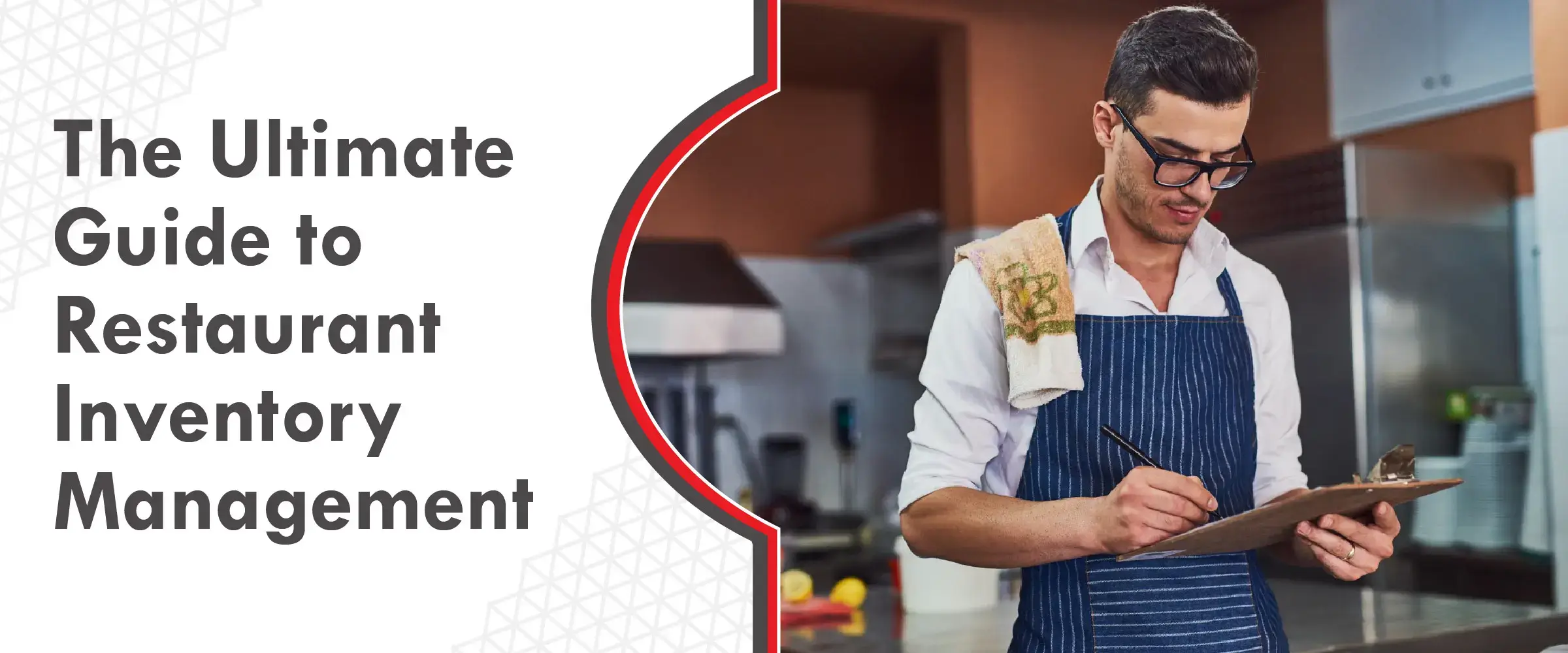
The Ultimate Guide to Restaurant Inventory Management
Your restaurant’s kitchen is busy with orders piling up, and suddenly your team has to begin improvising.
You don’t realise how important inventory is until a key ingredient runs out mid-service.
That’s not a menu problem.
It’s an inventory problem, and it always shows up at the worst possible time.
As a food business owner, if you let your inventory sit quietly in the background until something goes wrong, you lose control over costs and product quality.
You might be thinking that knowing how to manage restaurant inventory is about tedious counting or complicated spreadsheets.
It’s much more strategic than that.
It’s about building a system that gives you clarity and lets you understand what’s moving, what’s sitting idle, and what needs attention before it becomes a problem.
A structured approach, supported by a reliable restaurant inventory management system, can make a real difference to your food business.
Let’s take a closer look at how inventory management works in real restaurant kitchens.
A] What Is Restaurant Inventory Management?
Restaurant inventory management is simply the practice of keeping track of everything your kitchen brings in and everything that goes out. Think of it as the system that helps you know what’s in your storage, how fast it’s moving, and when you need to restock.
You’re constantly trying to strike the right balance: enough ingredients to get through busy service, but not so much that items spoil before you get to use them.
Unlike retail stores, restaurants work with products that have a short life. If you stack the walk-in with too many greens or dairy, you’ll end up throwing money away. But if you order too little, you risk running out of key items right when the restaurant gets packed.
A well-run inventory routine starts the moment a delivery arrives.
Owners and managers who stay on top of stock are always checking quantities, tracking how quickly items are consumed, watching expiry dates, and planning ahead for special days or seasonal spikes.
You can do it the old-school way with count sheets and spreadsheets, but dedicated systems make it far easier. Modern tools don’t just track quantities; they help you:
- forecast demand,
- monitor food costs,
- reduce wastage, and
- make smarter ordering decisions that protect your margins.
Key Takeaways
- Strong inventory habits help you keep food costs under control, cut down on waste, and ensure customers always get what they come for.
- Tracking starts the moment ingredients enter your kitchen and continues until they’re used, sold, or discarded.
- Your goal is simple: never run out of the essentials, and never overstock perishables that could go bad.
- The most reliable method combines regular physical checks with a system that tracks stock in real time through your POS or software.
B] Key Terms for Inventory Management in the Restaurant Industry
1. Sitting inventory:
This is the total amount of a particular item you currently have. You can record it by value, weight, or units. Just ensure that you keep the measurement consistent every time.
2. Count sheet:
A document or spreadsheet you use to write down physical counts during inventory. You later compare these numbers with what your system thinks you have to spot mismatches.
3. Shelf to sheet:
The simple act of counting what’s on your shelves and recording the numbers on your sheet. It’s your physical inventory check.
4. Unit conversion:
This is about standardising measurements so everything speaks the same language. For example, converting the number of cans or packs into kilos, grams, or ounces to simplify costing.
5. Depletion:
How much of an item your restaurant consumed in a certain time frame. You can look at it daily, weekly, or monthly.
6. Usage:
How long your current stock will last if you don’t reorder. If you’ve got 50 kg of minced meat and you typically use 10 kg. per day, that gives you five days of usage.
7. Shrinkage:
This refers to the loss caused by spoilage, theft, spillage, or receiving mistakes. If your system says you should have ₹10,000 worth of stock but your count shows only ₹9,500, the 5% difference is shrinkage.
8. Variance:
The difference between what you should have used based on sales and what actually went missing from your storeroom. If you used 90 kg of dough but sales show only 80 kg sold, the 10 kg gap becomes your variance.
9. Yield:
The percentage of product actually sold compared to what was used. Using the same dough example, 80 kg sold from 90 kg used gives you an 88.9% yield.
C] Techniques for Managing Restaurant Inventory
Every restaurant counts inventory differently, but most follow a similar process. Here’s a simple structure that works for operations of any size:
1. Create a table:
You can start by building a sheet with five columns, including item name, measurement unit, current quantity, cost per unit, and total value.
2. List items:
Add every ingredient and supply line by line. Many restaurants group items by category, like meats, produce, or beverages.
3. Record the amount:
Write down how much you have using the most logical unit. You might count chicken in kilos or by the number of 5-kg cartons, while burger buns might be counted in packets.
4. Record price:
Enter the latest price you paid for each item. This will show you the real cost of replenishing each stock.
5. Determine cost:
Multiply quantity by unit price to calculate the total value of each item on your sheet.
6. Use par inventory sheets:
Set a minimum quantity you always want on hand. This is also known as the par level. You can add a column to your table to display par levels and easily see when it’s time to reorder.
D] Effective Food Inventory Management Strategies
It’s best to track inventory regularly, using the same staff members whenever possible. By employing consistent practices you can avoid confusion and reduce errors.
Combining manual checks with digital tools will also give you the most accurate picture of your restaurant inventory system.
Here are six practical strategies that work well in restaurants:
1. POS systems help, but people are still needed:
Your POS can guide forecasting and ordering, but you’ll still need staff to physically verify what’s on the shelves. Manual counts will help you catch mistakes that software can’t.
2. Use the same team for counting:
When the same individuals handle inventory, they get faster and better at spotting irregularities. Just ensure you have implemented control measures in place to prevent misuse.
3. Stick to a routine or schedule:
Count stock on the same days and at the same time, ideally before opening or after closing. You will most likely have to check up on your perishable inventory more frequently than dry items or bulk goods.
4. Track waste separately:
Maintain a log to note spoilt or discarded items. Understanding where waste occurs can help you save significant money over time.
5. Follow FEFO (First Expiring, First Out):
Use items closest to expiry before touching fresher stock. Your shelves should be arranged in a way that older products are easier to reach.
6. Let inventory guide purchasing:
Over time, your counts will reveal patterns, such as what moves fast, what sits untouched, and what you regularly over-order. You can use this knowledge to fine-tune your buying process.
E] 8 Inventory Management Best Practices in the Restaurant Industry
You can follow these practices to help reduce errors and to streamline your restaurant’s inventory management system even further:
1. Organise inventory:
Use clear labels and consistent shelving so staff can find and restock items faster.
2. Keep stock levels minimal:
You should aim to hold just enough to serve guests without overloading your storage areas.
3. Monitor sell-through:
You should always track how quickly different items move. If you buy 100 portions of chicken and serve 60 in a week, your sell-through rate is 60%.
4. Track everything:
Get into the habit of counting all goods, from food items to cleaning supplies. The frequency depends on the product, as perishables often need more regular checks.
5. Build safeguards:
Employ two staff members to verify counts. Align your inventory sheet with the physical layout of your storage area to make counting easier.
6. Encourage accountability:
Train employees on proper tracking and show them how inventory ties into cash flow. Managers should have access to POS reports to identify issues quickly.
7. Automate reordering:
Let your system place orders automatically when levels drop below your set minimums.
8. Use technology for forecasting:
POS and software tools can help predict demand using trends, seasons, and past sales.
F] Advantages of Inventory Management for Restaurants
Done right, inventory management becomes one of the strongest profit-protection tools in your operation. Here’s how it helps:
1. Less food loss:
Restaurants can lose up to a tenth of their ingredients before they ever reach a guest. Smarter stock control will help you keep those numbers down.
2. Lower food costs:
Food expenses make up a major share of your overall spend. Avoiding spoilage directly reduces that cost.
3. Stronger vendor oversight:
Clear tracking makes it easier to negotiate prices, check deliveries, and manage payments.
4. Happier customers:
Better inventory management will help you avoid stockouts, so your dishes will stay available and the guests will keep coming back.
5. Higher profits:
Less waste means lower cost of goods sold, which means that every rupee saved goes straight to your bottom line.
And while manual tracking works, you can also use inventory management software to elevate everything, as it will provide you with:
- Real-time visibility into stock levels
- Deep insights into menu performance
- Better tracking of offers and promotions
- Easier data entry for staff
- Automated reordering when items hit minimum levels
- Detailed reports that help you improve operations
G] Choosing the Right Inventory Management System for Your Restaurant
When picking an inventory system, think about the size of your business, how you operate, and which tools you already use.
1. Match the tool to your scale:
A multi-location brand with thousands of covers per day will need a robust system. A smaller outlet can manage with something simpler.
2. Ensure POS compatibility:
Your system should integrate well with your POS. If it doesn’t, it may be time to upgrade.
Evaluate essential features by asking:
- Does it update stock every time an order is placed?
- Can it trigger purchase orders when something runs low?
- Does it show which menu items are most profitable?
- Is it easy for staff to learn?
- Can it grow with your business?
3. Choose between cloud and on-site setups:
Cloud-based systems make it simple to track stock from different devices or multiple branches.
4. Consider cost carefully:
Buy what you need, not what sounds impressive. The best system is one that matches your scale and fits your budget.
Conclusion:
As a restaurant owner, you will have to make several small decisions over the course of the day.
Inventory is one of the few areas where the decisions you make will directly impact costs, service quality, and your overall peace of mind.
When you know exactly what’s in your kitchen, how fast it moves, and when to reorder, operations feel far more predictable. It will also help reduce wastage, avoid stockouts and allow your team to work with more confidence during service.
The right inventory habits will provide you with clear visibility into your stock, help you order smarter, reduce last-minute buying, and maintain consistency across your menu.
This will make it easier for you to work with reliable suppliers, whether you’re sourcing from a trusted HoReCa company in Mumbai or coordinating with experienced food product distributors.
At the end of the day, good inventory management isn’t about spreadsheets or software alone.
It’s about staying in control of your kitchen, protecting margins, and giving your customers the experience they expect, every single service.